
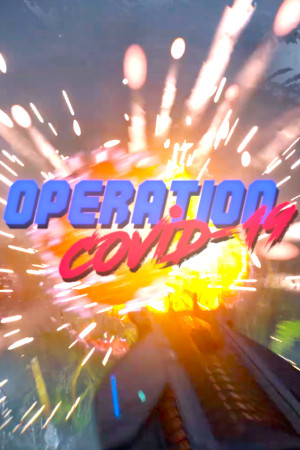
Operation Covid-19
Supernice · 2020
- Downloads
- 130
- Views
- 20.9K
About the game
Operation Covid-19 – an endless first-person shooter, developed single-handedly by developer Dan God under the Supernice banner. The game was released on June 12, 2020, in the midst of the pandemic, and instead of bullets, toilet paper rolls fly. Where did toilet paper come from? The idea was born out of the excitement of the first weeks of the pandemic, when people were clearing out toilet paper from store shelves. The creator specifically states that the game is intended as a joke and does not mock those affected by the disease. There's almost no plot: giant viruses infiltrate a house, and you need to destroy them before they overwhelm you. There are rooms, doors that open with a key, and new waves of viruses constantly appear. There's only one mode, endless, and points and experience are awarded for destroying viruses. TP-Gun 1000 The hero has only one weapon, the TP-Gun 1000. It never runs out of ammo, but if you fire continuously, the barrel overheats and jams, so holding the button down for too long isn't an option. The right mouse button activates Push Force: a short force field that repels viruses when they get too close. There's also a special jump that temporarily reverses gravity, allowing you to fire rolls at enemies from above. A standard jump can be double or even triple jumped; you can't stand still, or you'll be surrounded. Free change for the evening As you gain experience, you level up and unlock upgrades, but overall, it's a simple arcade game in the vein of old shooters. The game is free on Steam, and there's a similar version on Android called Operation Virus. Download Operation Covid-19 You can download it via torrent on your PC here. Features of the game Endless mode against waves of giant viruses. Toilet paper cannon overheating. Push Force force field to push back enemies. Gravity reversal jump, double and triple jumps. Points, levels and upgrades.
Repack & installation
What’s included and how to get it running
Installation
1. Mount the image with a disc emulator. 2. Install the game following the setup instructions. 3. Copy the contents of the PLAZA folder to the folder with the installed game. 4. Play
What’s new
Updated to version 1.3 (patch)
Will it run on my PC?
Minimum system requirements
- System
- Windows 10 (64-bit)
- Processor
- Intel Core i5
- DirectX
- Version 12
What it’s like
How players tag this game — tap one to find more like it.
More like this
If you like Operation Covid-19, try these